How to Do a Basic SEO Audit on Your Own Website in 30 Minutes
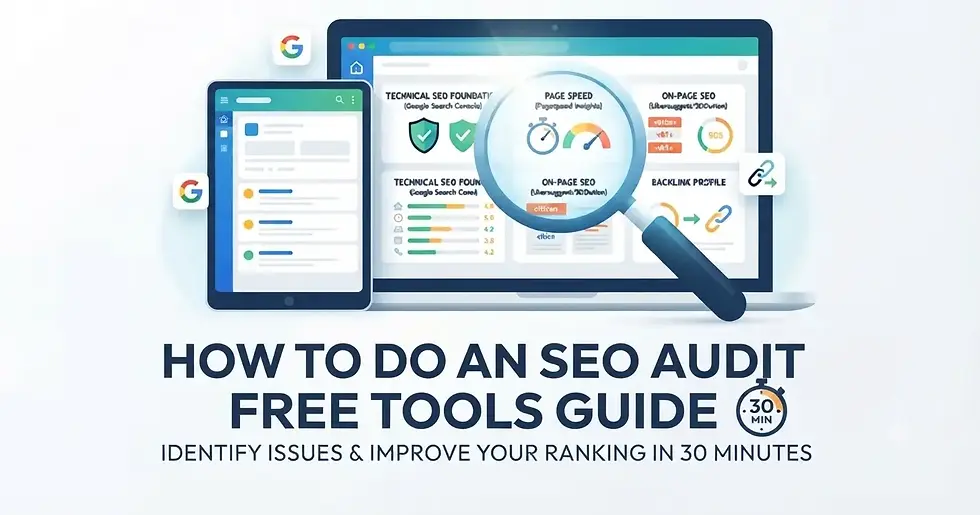
Don't wait for an agency to tell you what's wrong with your website. In just 30 minutes using free tools, you can identify critical SEO issues that are holding back your search visibility. This guide walks you through a practical framework you can start using today.
What You'll Learn
You'll discover which pages are ranking (and which aren't), find technical errors that prevent search engines from crawling your site, and spot quick wins that could improve your visibility this week. Let's get started.
Step 1: Audit Your Technical SEO Foundation (8 Minutes)
Technical SEO is the foundation of everything else. Search engines can't rank what they can't crawl. Start here.
Use Google Search Console (Free)
Sign into Google Search Console and add your website. This tool shows you:
How many pages Google has indexed
Crawl errors preventing Google from reaching your content
Mobile usability issues that tank rankings
Security problems like malware or hacking
Open the "Coverage" report. Look for pages marked as "Excluded" or "Error." These are problems you need to fix. Click into any error to understand what's blocking your pages.
Next, check "Mobile Usability." Mobile-first indexing means Google primarily crawls the mobile version of your site. If mobile usability issues exist, your ranking suffers.
Quick Task: Take a screenshot of any errors. You'll need to know these.
Step 2: Check Your Page Speed (6 Minutes)
Slow websites rank lower. Google uses Core Web Vitals as a ranking signal, meaning speed directly affects visibility.
Use PageSpeed Insights (Free)
Go to PageSpeed Insights and enter your homepage URL. The tool generates a score (0-100) and highlights specific issues slowing you down.
Pay attention to:
Largest Contentful Paint (LCP) Should load in under 2.5 seconds
Cumulative Layout Shift (CLS) Visual elements shouldn't jump around while loading
Interaction to Next Paint (INP) Pages should respond to clicks within 200 milliseconds
The report shows whether you're passing or failing each metric. It also recommends fixes (compress images, remove render-blocking resources, etc.).
Quick Task: Note your score and the top 3 recommendations.

Step 3: Analyze Your On-Page SEO (8 Minutes)
On-page SEO is about how you structure your content for search engines.
Use SEOlution (Free tier available)
Check your homepage and top 3 landing pages using Ubersuggest's free SEO analysis tool, which offers basic on-page auditing without a login.
Look for these critical elements:
Meta titles and descriptions present and under character limits
H1 tag present (only one per page)
Content length (longer typically ranks better than under 300 words)
Internal linking (pages should link to other pages on your site)
If you can't use a free tool, manually check your page source. Right-click "View
Page Source" on your homepage and search for:
<title> for your meta title
<meta name="description"> for your meta description
Both should include your target keyword naturally
Step 4: Identify Your Top-Ranking Keywords (5 Minutes)
Return to Google Search Console and open "Performance."
This report shows queries people actually used to find your website. Sort by "Impressions" to see which keywords bring the most visibility.
Keywords with high impressions but low click-through rate (you're ranking, but your title or description isn't compelling)
Keywords where you rank on page 2-3 (these are close wins worth optimizing)
Keywords that get clicks (double down on these)
Quick Task: Write down your top 10 keywords. These are your foundation.
Step 5: Check Your Backlink Profile (2 Minutes)
Backlinks are votes of confidence from other websites. More quality backlinks equals higher authority.
Use Google Search Console
Go to "Links" and review "Top Linking Sites." These are the most authoritative domains linking to you.
Then check "Top Linked Pages." These are your strongest pages. Look for opportunities to link to them from other pages on your site.
While you're here, check "Referring Pages." If you see spam or low-quality links, note them. You may want to disavow them later.
Step 6: Spot Quick Wins (1 Minute)
Review your notes from the previous steps. Common quick wins include:
Rewriting weak meta titles and descriptions for pages with high impressions but low clicks
Adding internal links to your strongest content
Fixing broken pages in Google Search Console
Optimizing image alt text (many CMSs allow this in bulk)
Making Sense of Your Results
You now have a snapshot of your SEO health. Not everything needs fixing immediately.
Prioritize by impact: Is a fix likely to improve your ranking or click-through rate? Then prioritize by ease. What can you fix in under an hour?
If you want to dive deeper into technical SEO implementation, explore AIPro.ph's digital marketing services which cover the frameworks agencies use. You might also consider AI automation solutions to streamline your SEO workflow.
For agencies offering ongoing support, managed SEO services handle these audits regularly and implement fixes systematically.
Your SEO Audit is Just the Start
A basic SEO audit reveals what's stopping your site from ranking. You now have a checklist of fixes and quick wins. The next step is implementation.
Start with one or two quick wins this week. Rewrite a weak meta title. Fix a broken page. Add internal links. Small changes compound into big ranking improvements.
Want more hands-on guidance? Discover how AI automation in digital marketing can help streamline your SEO workflow.
Frequently Asked Questions
How often should I audit my website?
Run a basic audit quarterly. Technical issues can appear anytime, so monthly check-ins of Google Search Console are best practice.
Do I need paid tools to audit my SEO?
No. Google Search Console, PageSpeed Insights, and Ubersuggest's free tier provide 80% of what you need. Paid tools add convenience and advanced features, but aren't necessary to start.
What's the most common SEO issue?
Weak or missing meta titles and descriptions. These directly affect click-through rate in search results. Many sites overlook them entirely.
How long before I see ranking improvements?
Google typically re-crawls pages within 1-2 weeks. Major ranking changes take 4-8 weeks as Google processes your updates and signals shift.
Key Takeaways
Start with technical SEO using Google Search Console to find crawl errors and mobile issues before anything else matters
Test page speed with PageSpeed Insights because slow sites rank lower, period
Review on-page elements like meta titles, H1 tags, and internal linking on your strongest pages
Leverage Google Search Console data to find keywords that already drive impressions but need better click-through optimization
Identify quick wins that take under an hour to fix, then execute before moving to complex projects
Audit quarterly to catch new issues before they impact your ranking for extended periods
Prioritize by impact and ease so you spend time on fixes that move the needle fastest

Comments